Read the code.
See the codes your car and adapter can report.
YOUR PERSONAL CAR ASSISTANT · IPHONE BETA
Understand warning lights. Plan maintenance. Meet the character behind the car you already drive.
YOUR CAR, IN SCOUT
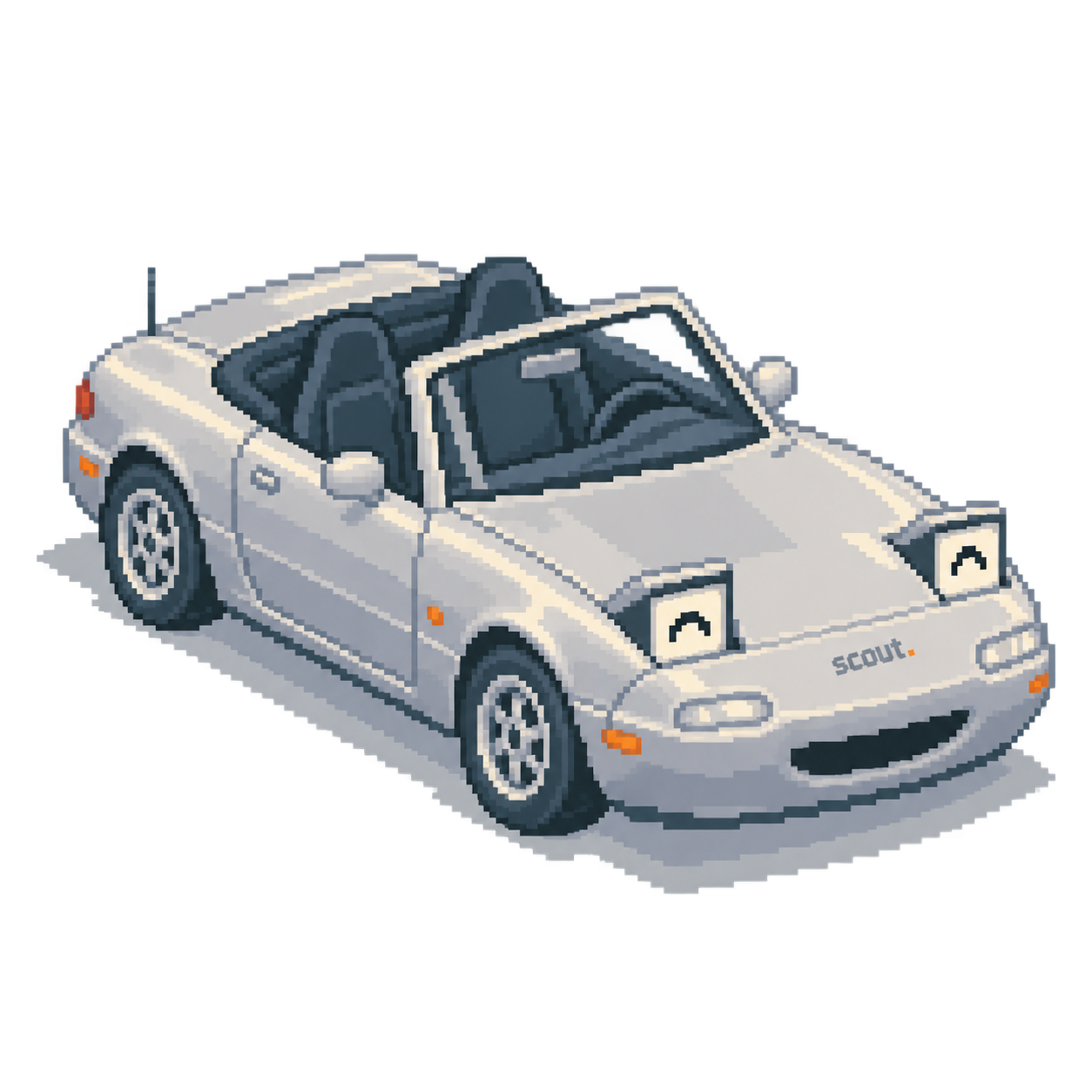
Illustrative Scout preview · No appointment is booked here.
01 / THIS TIME, IT’S PERSONAL
Your car, down to the paint and personality. Try a voice for Milo, or make your own.
Make your carMEET
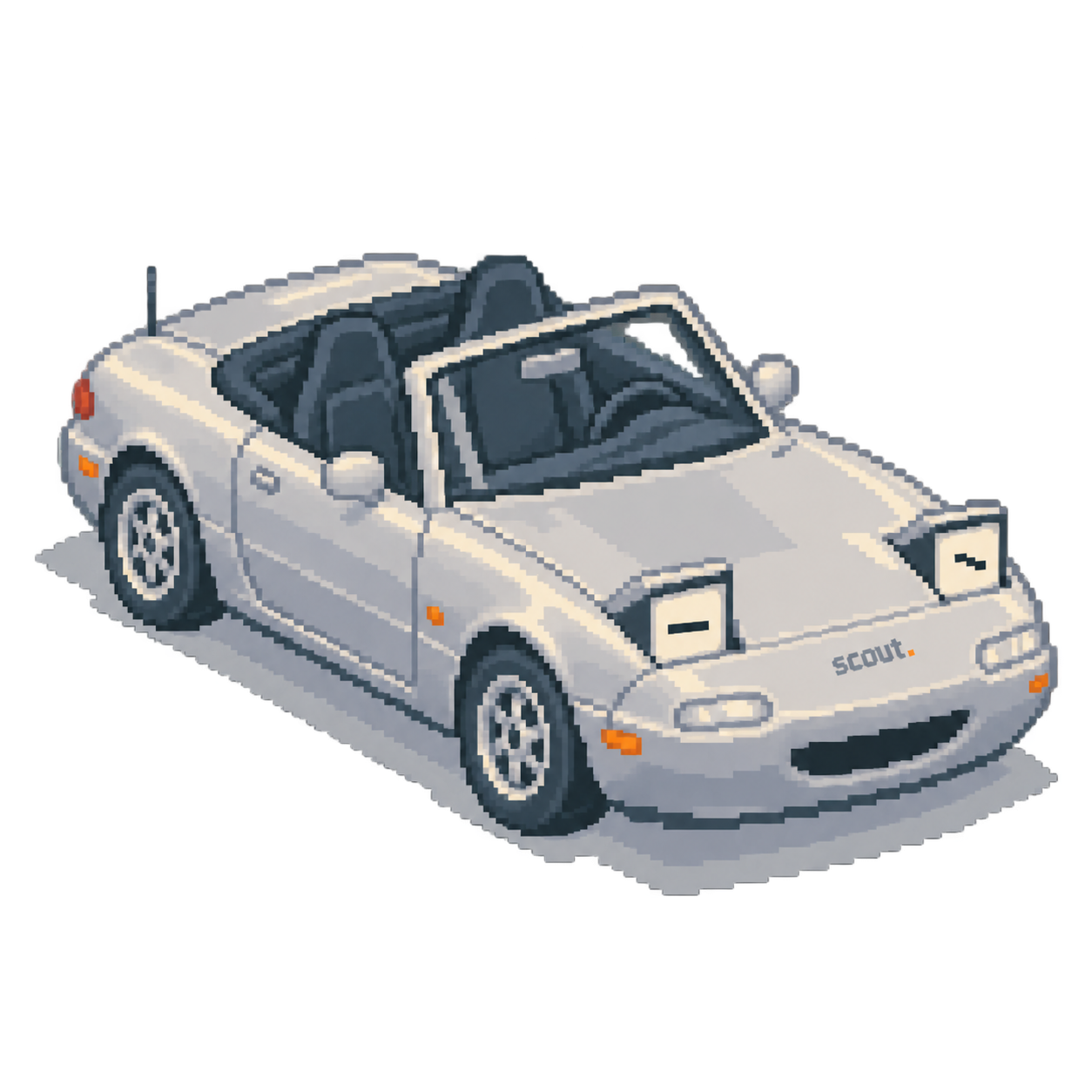
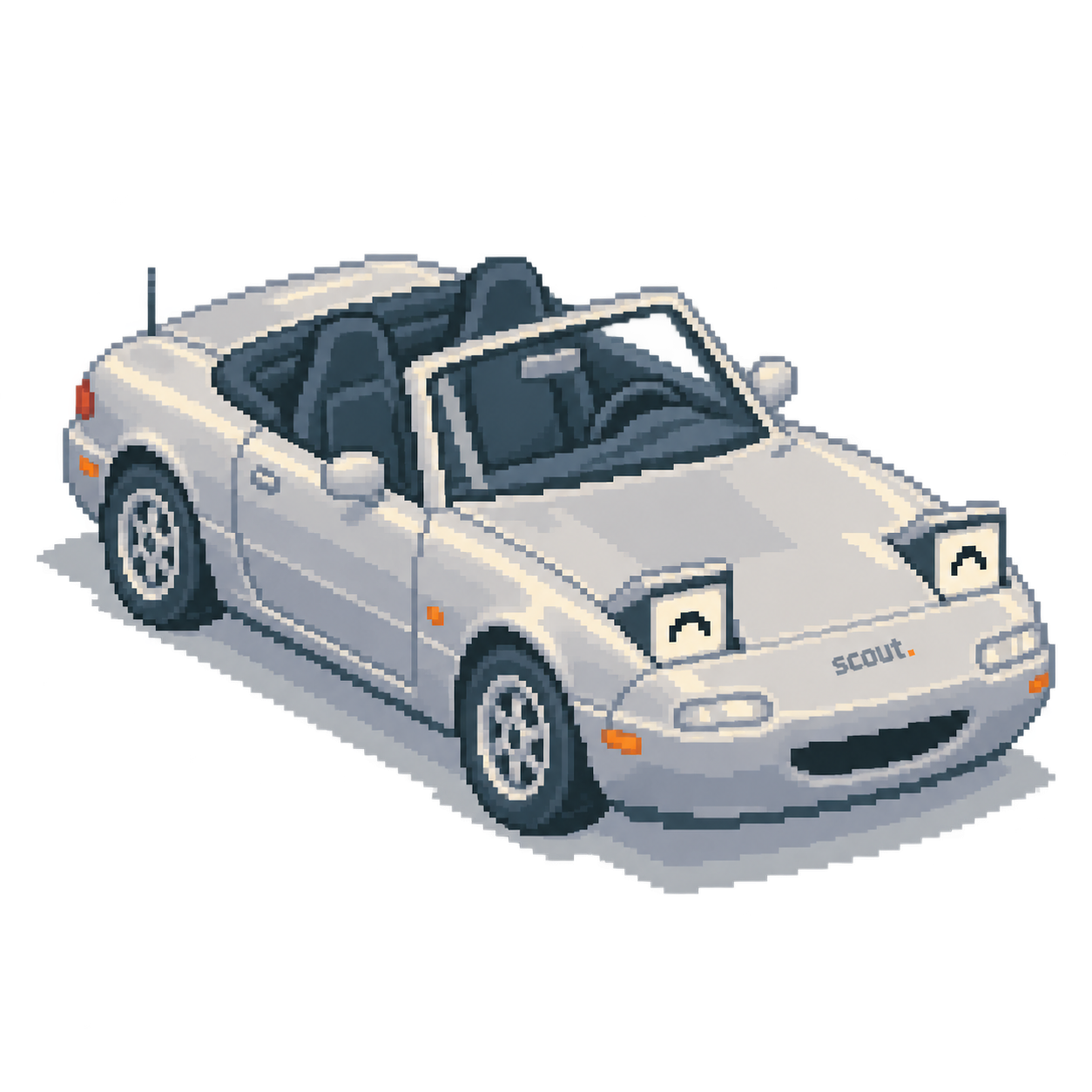
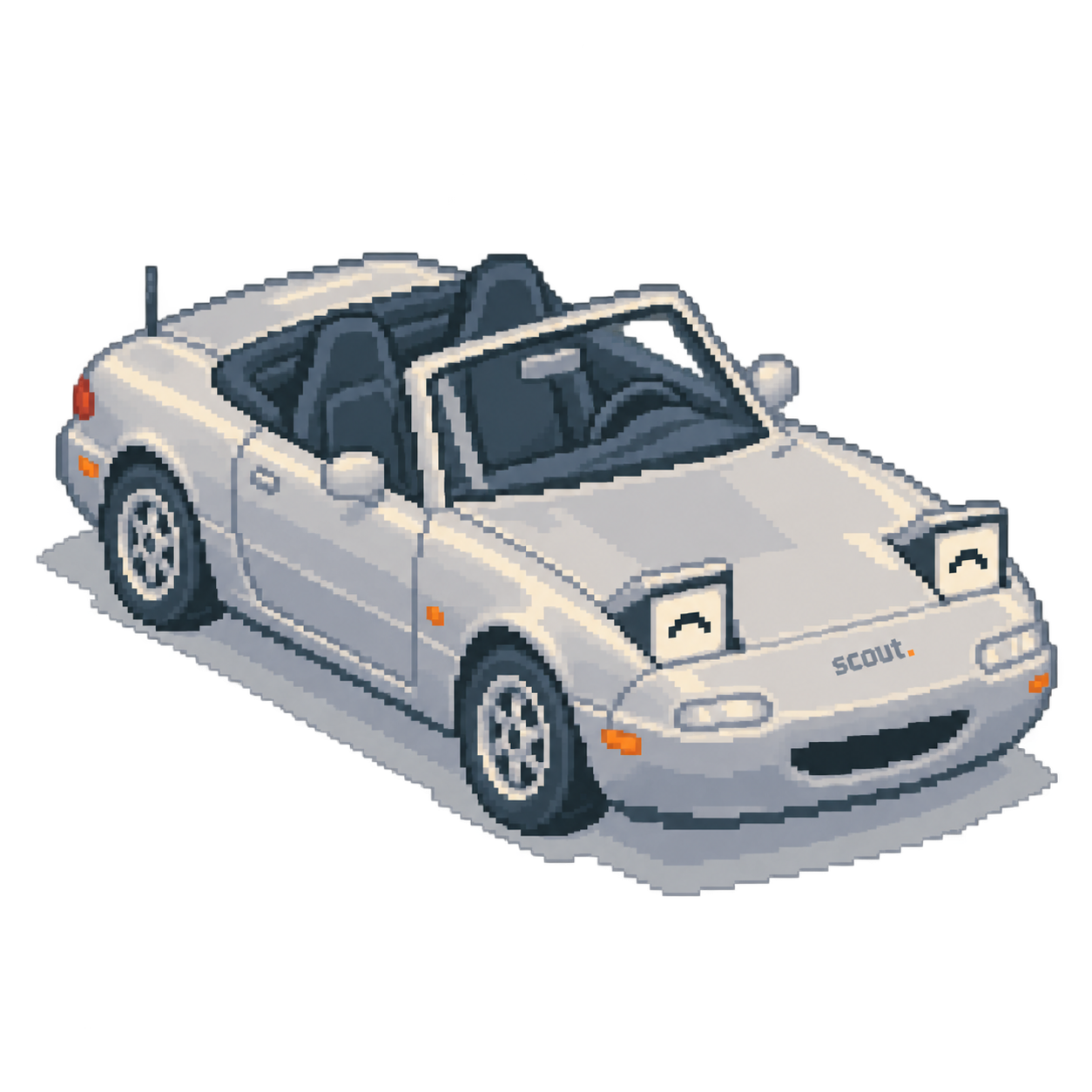
A happy ’97 Miata.
Choose his personality
Example dialogue. Car-character features are still in development.
A FEW POSSIBLE PERSONALITIES

The upbeat one
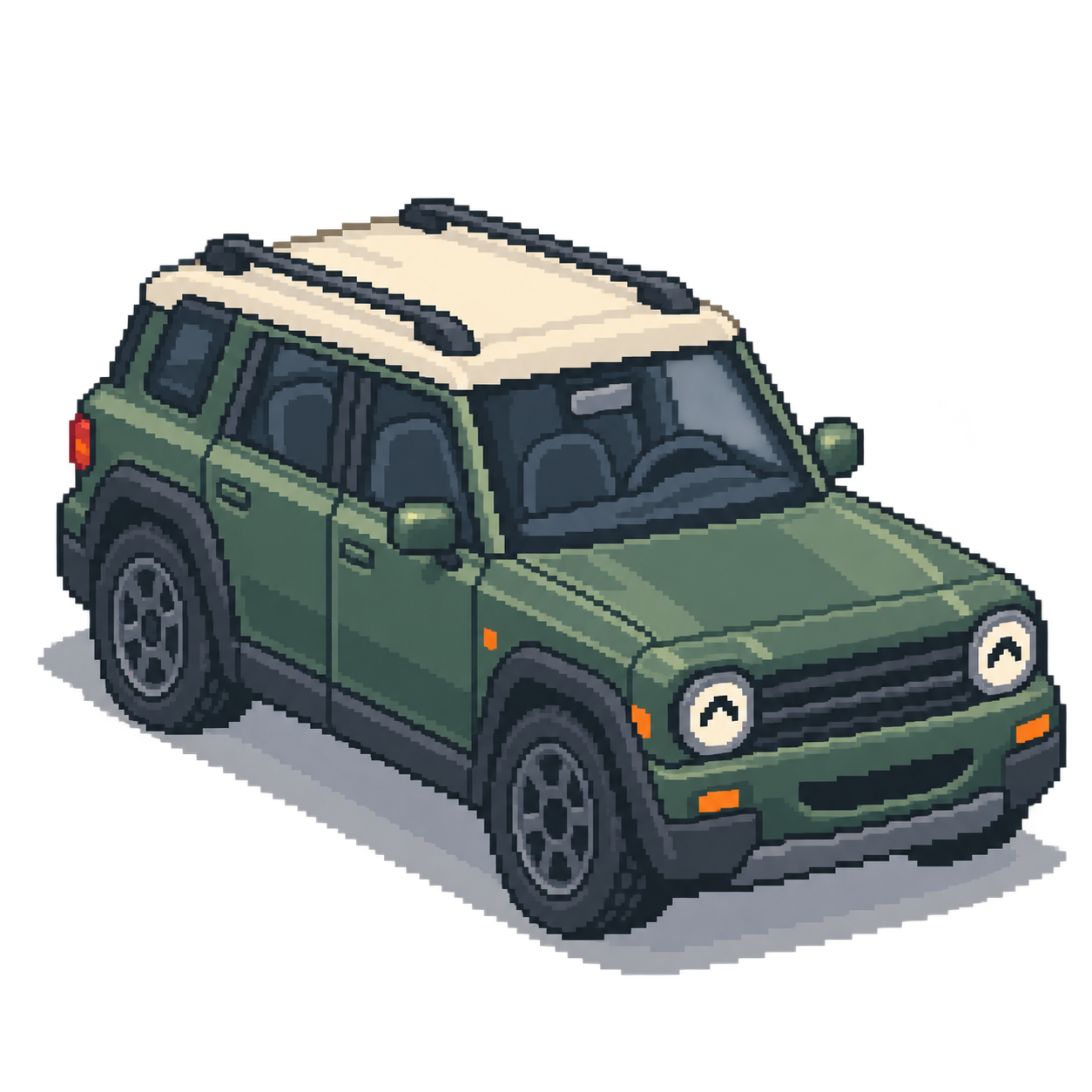
The adventurer
The dry wit
These are examples. Yours starts with the car you drive.
02 / PERSONALITY, MEET PURPOSE
Understand the warning. Know what to ask at the shop. Try it with Milo below.

0Miles with Milo
See the codes your car and adapter can report.
Plain English, with uncertainty made clear.
Bring your service history and symptoms together.
See what Milo makes of a warning light.
Or explore any tab below.MILO / YOUR DAILY DRIVER
“No active fault codes in this scan. Your singing remains the most suspicious sound in here.”
Sample readings and places. App features may differ.
Choose its look. Give it a name.
Make your carPreview before you sign up. No card required.
03 / CONNECTING YOUR CAR
A small adapter connects your car’s diagnostic port to Scout.
Compare connections, capabilities, and what we’ve tested.
No adapter needed to create your car character.
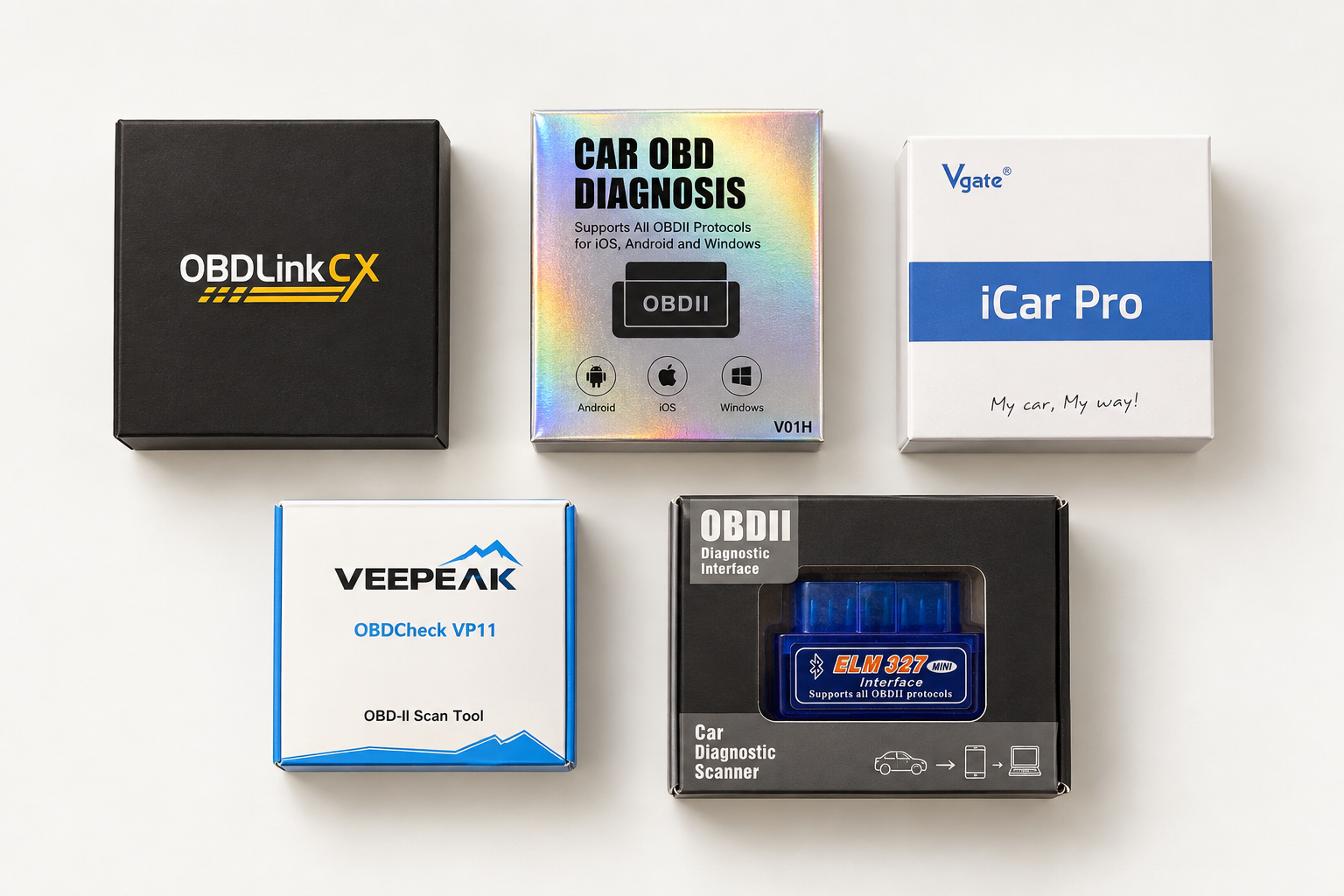
Explore the tested models in our adapter guide.
OBDLink CX · Veepeak · Vgate iCar Pro · ELM327-style adapters
Plug a compatible adapter into your car’s diagnostic port.
Connect on your phone to see supported readings.
See what a code means and what to ask at the shop.
Support depends on your car, phone, and exact adapter model. Check the guide before buying.
04 / BETTER TECH. SAME CAR.
Your car and your questions help us decide what to support next. Join the list for compatibility and launch updates.
Join the launch waitlistBEFORE YOU PLUG IN
What you can try now, and what’s still being built.
Scout is a personal car assistant being developed for gas-car owners. It pairs vehicle information from a compatible onboard diagnostics (OBD) adapter with plain-language explanations, maintenance context, and a car character you name. This website previews the planned experience. Scout Lookout, our iPhone beta, currently focuses on collecting vehicle data; car-character features are still in development.
Yes. Enter your car’s year, make, model, color, and custom details in the car creator. Generate a personal pixel character and see it here, then sign up to save it. Your character stays saved to your Scout account while we build out the car-character experience in the app.
Yes. Join Scout Lookout on TestFlight to try our iPhone beta. Install Apple’s TestFlight app, open the invite, and sign in with your Scout account. The beta currently focuses on vehicle data; car-character features are still in development.
Pricing hasn’t been announced. Joining the early-access list is free, with no payment details required. App pricing, adapter requirements, and what’s included will be explained before purchase.
Scout is being built for compatible gas cars with onboard diagnostics. Support depends on your vehicle, phone, and adapter. See our Scout-tested adapters and check your vehicle’s supported readings. An OBD port alone isn’t a promise of every feature.
The planned connected experience needs a compatible OBD adapter. Our adapter guide lists tested models and phone support. Creating your car character or joining the waitlist doesn’t require hardware.
A fault code is a starting point, not a confirmed repair. Scout’s goal is to explain supported information and help you prepare for the next step. It won’t replace a qualified inspection or your vehicle’s guidance.
SCOUT FOUNDING DRIVERS Signup preview
Join early to keep a permanent signup number while Scout gets ready for launch.
Checking live availability…
Your saved number sets your tier. Places are assigned when you submit.